
Text alert service
At Wellington Water we want to make it as easy as possible for you to find out what is happening with your water.
Our Text Alert service allows you to register your address and you’ll receive text notifications when there is a water outage or incident in your area.
If you have a problem with your drinking water, stormwater or wastewater, contact your local city council (you can find contact information here).
Register an address
Step 1.
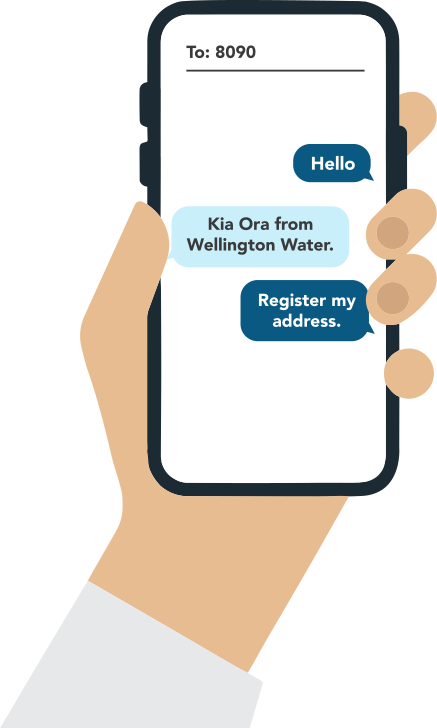
Text ‘HELLO’ to 8090 to register your address. You will get a response back, then text the number ‘1’ to register.

Step 2.
You will receive a link to search for and register your address. (Note that the link is only valid for a few hours).
Click on the map and type your address into the ‘find address’ bar, or if you are at the address you would like to register, select ‘use current location’.

Step 3.
Select the arrow on the top lefthand side of your screen to return to the form. You can add another address by tapping the plus icon.
When you have added the addresses you want to register, select ‘Submit’.
You will receive a text confirming that your registration was successful. You will now receive alerts from Wellington Water for the addresses registered.
Unregister an address

Step 1.
Text ‘HELLO’ to 8090 to register your address.
You will get a response back, then text the number ‘2’ to unregister an address.

Step 2.
If you have registered multiple addresses you have the option to unregister each address individually, or text the word ‘ALL’ and all addresses registered to your number will be removed.